 Index › Layout & Shell
the app frame
Index › Layout & Shell
the app frame
The frame.
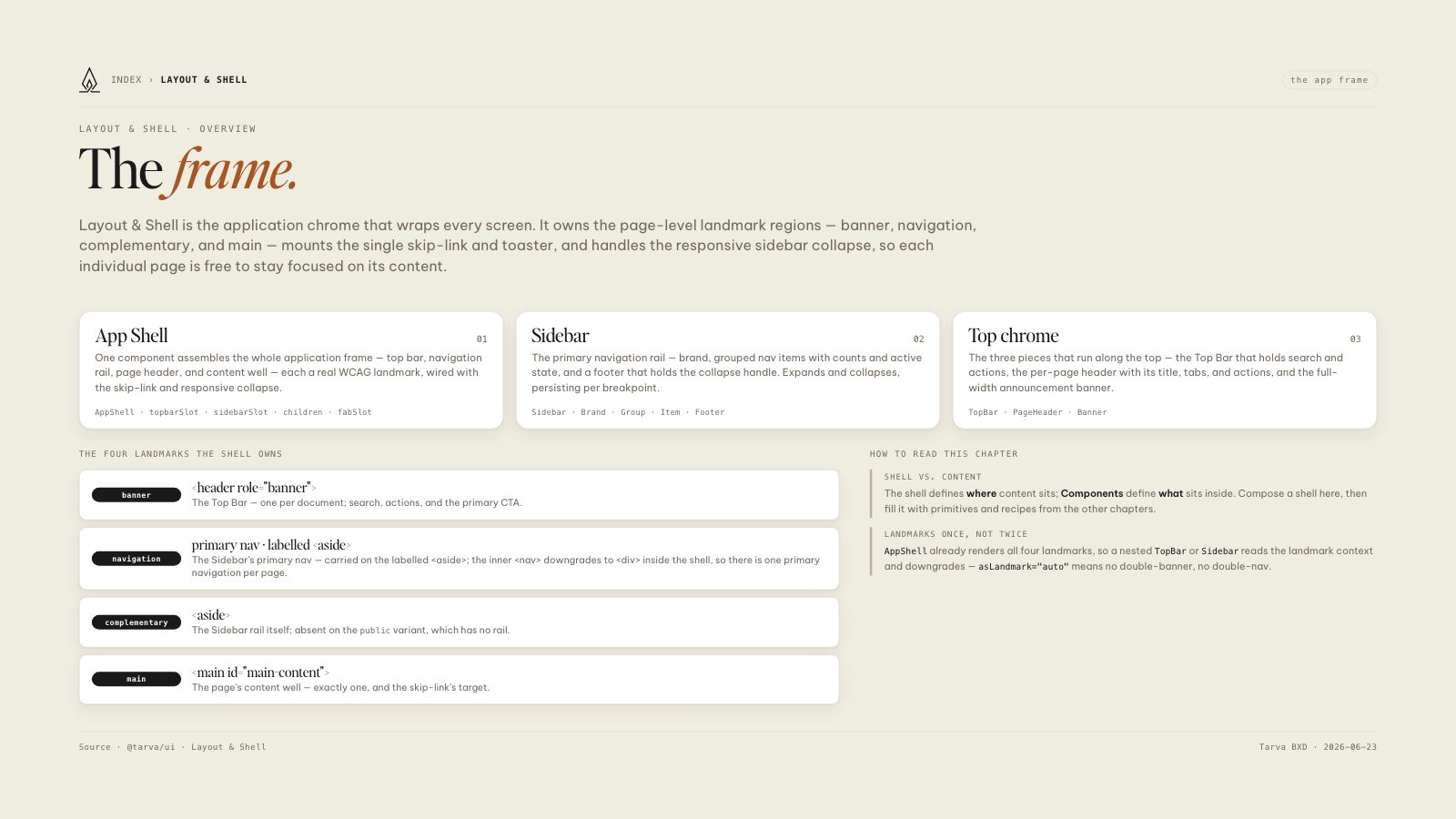
Layout & Shell is the application chrome that wraps every screen. It owns the page-level landmark regions — banner, navigation, complementary, and main — mounts the single skip-link and toaster, and handles the responsive sidebar collapse, so each individual page is free to stay focused on its content.
App Shell
01One component assembles the whole application frame — top bar, navigation rail, page header, and content well — each a real WCAG landmark, wired with the skip-link and responsive collapse.
Sidebar
02The primary navigation rail — brand, grouped nav items with counts and active state, and a footer that holds the collapse handle. Expands and collapses, persisting per breakpoint.
Top chrome
03The three pieces that run along the top — the Top Bar that holds search and actions, the per-page header with its title, tabs, and actions, and the full-width announcement banner.
public variant, which has no rail.
The shell defines where content sits; Components define what sits inside. Compose a shell here, then fill it with primitives and recipes from the other chapters.
AppShell already renders all four landmarks, so a nested TopBar or Sidebar reads the landmark context and downgrades — asLandmark="auto" means no double-banner, no double-nav.