Tarva BXD · LumosIndex › Components › Navigation · 2/2
1920 × 1080 · Landscape
 Index › Components › Navigation
2 of 2 · Flows
Index › Components › Navigation
2 of 2 · Flows
Components · Navigation · Flows
Walking the steps.
Four ways Lumos carries a person through a task — the bar of a step counter, the dots of a wizard, the lanes of a board, and the actions pinned to the foot of the screen. The accent marks only the move you are making now.
Step ProgressshowPercentBar · labels
Step 3 of 4Pricing
Wizard "Step X of Y" indicator. Props
totalSteps · currentStep · labels · showPercentBar. The accent bar is the only color; the count sits in mono secondary, the current label in bold ink.WizardcurrentStep · totalSteps
Step 3 of 4
3
4
Back
Next
Multi-step shell —
Header · Content · Footer. StepIndicator dots: completed show a check, the active dot carries an accent ring, the rest stay muted. Footer pairs Back (outline) with Next / Finish.Lane Switcherlanes · activeLaneId · count
Prep3
Paint5
Cure2
Segmented tablist over a swipeable carousel. The active lane lifts to a white surface; its count badge takes the accent tint while resting lanes stay neutral. Matches panels by
data-lane-id.Sticky Action Barprimary · secondary · tertiary
Decline
Counter
Accept
2–3 horizontal CTAs anchored to the viewport bottom.
primary takes its tone (accent or danger); secondary / tertiary rest in outline. Carries iOS safe-area padding.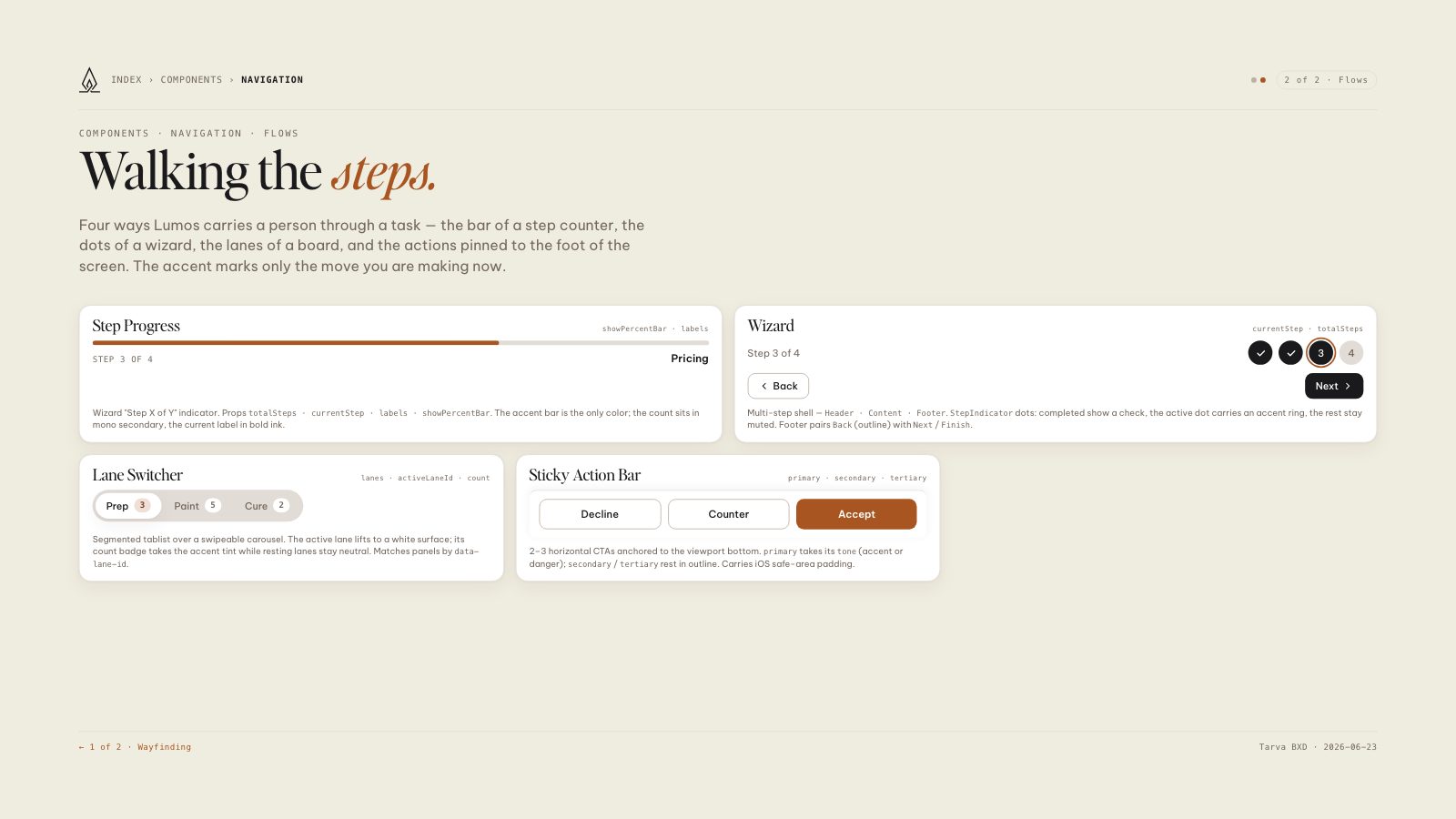
8.5 × 11 · Portrait